
Equipment check-in and check-out software
Equipment Check-In and Check-Out Software that records who has it, and what condition it came back in
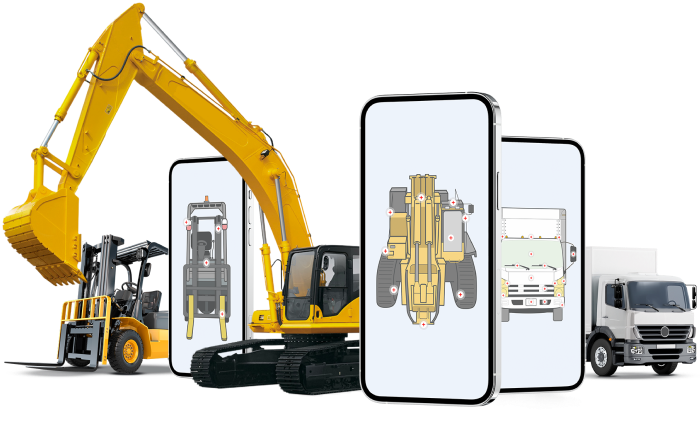
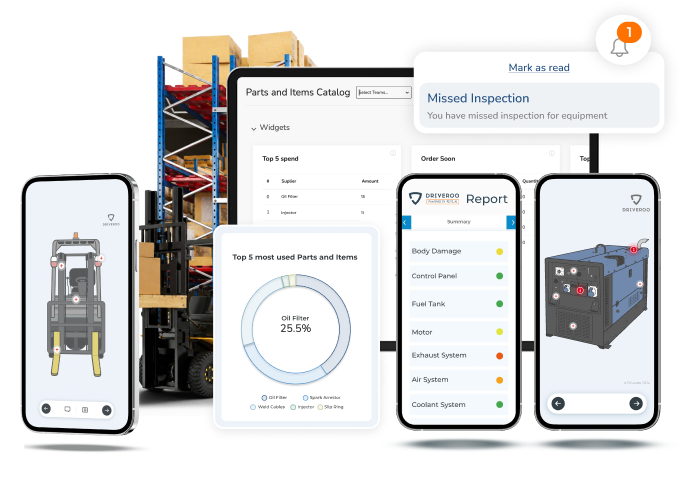
A visual check-out and return app for vehicles, heavy equipment and tools. Operators scan a QR code, tap through the inspection points drawn on the asset itself, add photos and a signature, and every hand-over is on record. When something comes back damaged, you know when, who and what it looked like.
- Cars, vans, trucks, forklifts, excavators and attachments in one app
- Photos, meter readings and e-signatures captured on every hand-over
- Works offline on iOS and Android, syncs when back in coverage
See It on Your Equipment
A live demo on your own assets and your own check-out process. No commitment.
We reply within one business day. Your details stay with Driveroo, see our Privacy Policy.
 4.9 / 5 on G2
Integrates with





Why Teams Choose Driveroo for Check-Out and Return
Most equipment check-in and check-out software answers one question: who has it. Driveroo also answers the one that costs money: what condition was it in when it left, and when it came back.

Condition Captured, Both Ways
Check-out and return run the same visual inspection on the exact asset, so damage is caught at hand-over, not weeks later. Photos, video and voice notes attach to the record.

Zero Training, Faster Hand-Overs
Scan a QR code and the right check-out loads, with prior issues already marked. Tap-and-go inputs, embedded instructions and voice-to-text keep operators and customers moving.

Disputes Settled, Records Kept
Time-stamped, geo-tagged reports with signatures are delivered online the moment a hand-over closes. Both sides see the same evidence, and the history stays with the asset.
Built for Every Asset You Hand Over
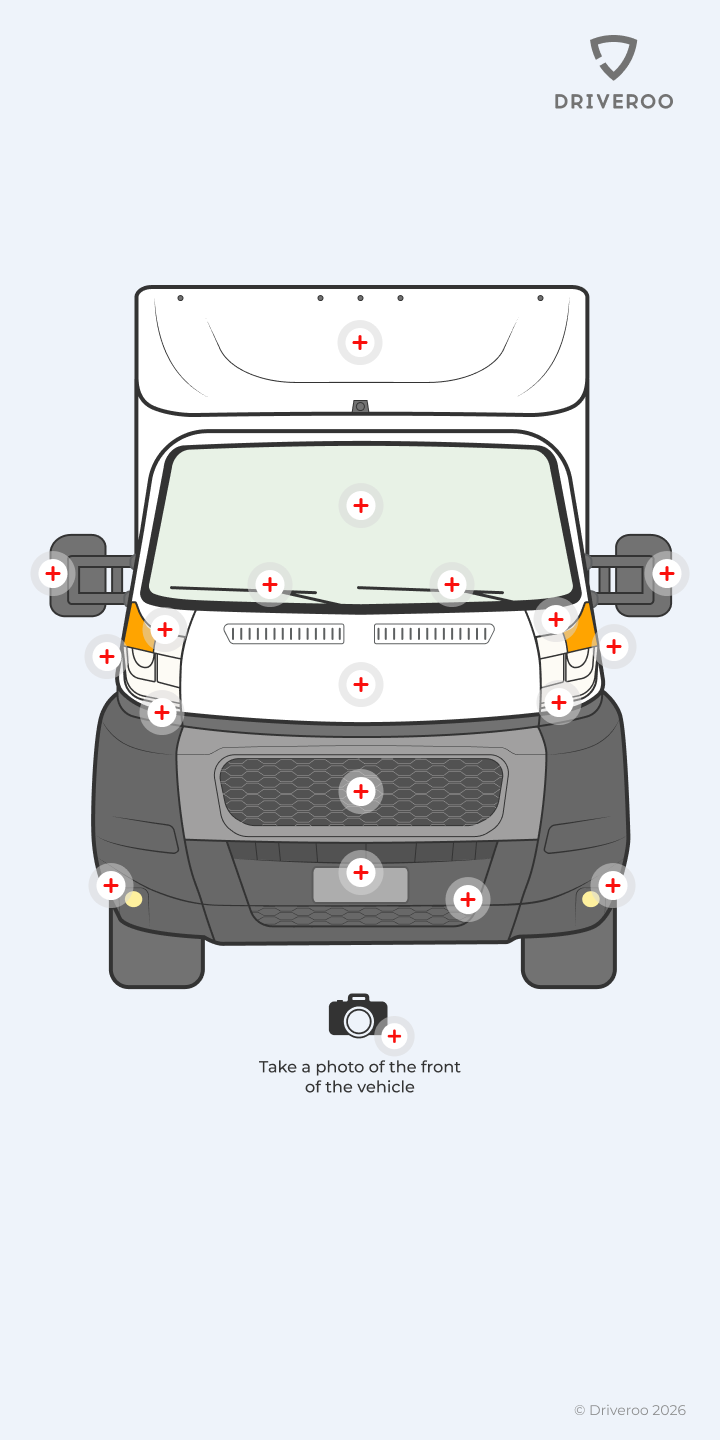
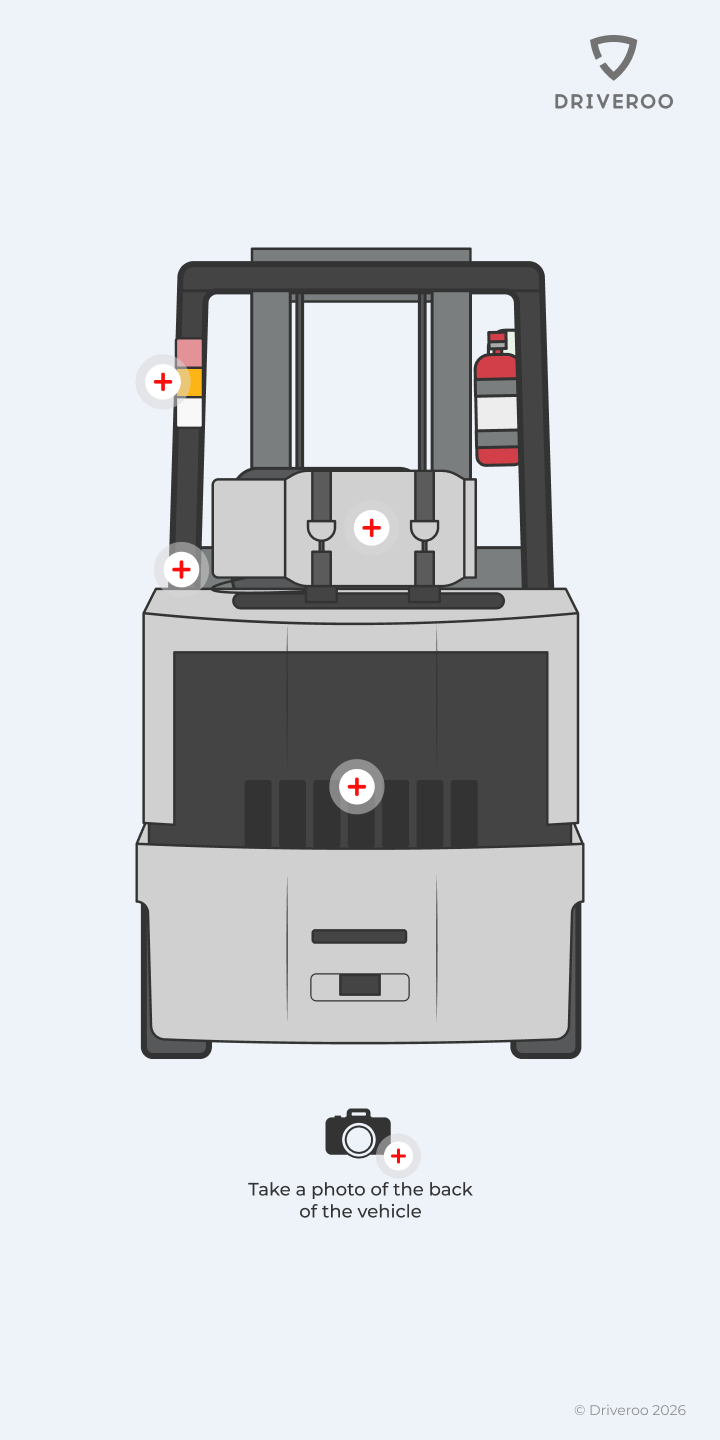
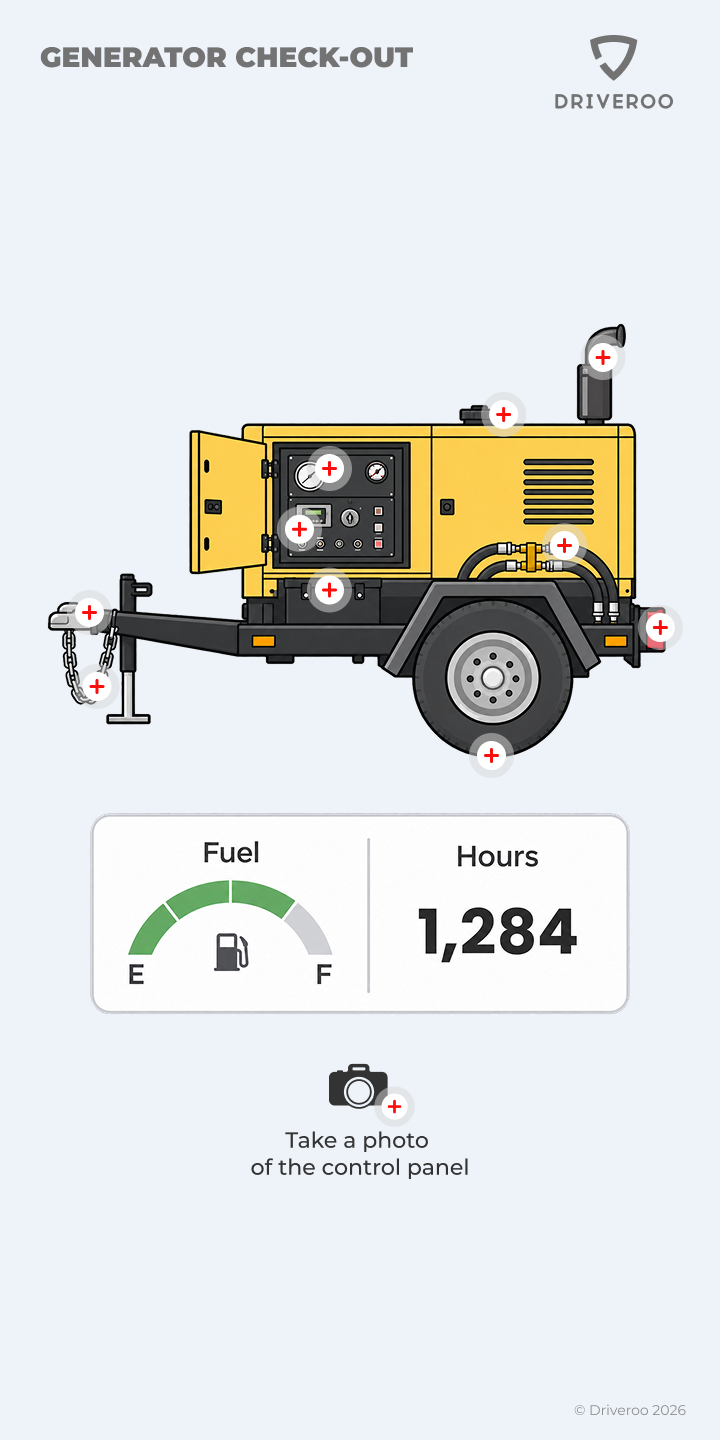
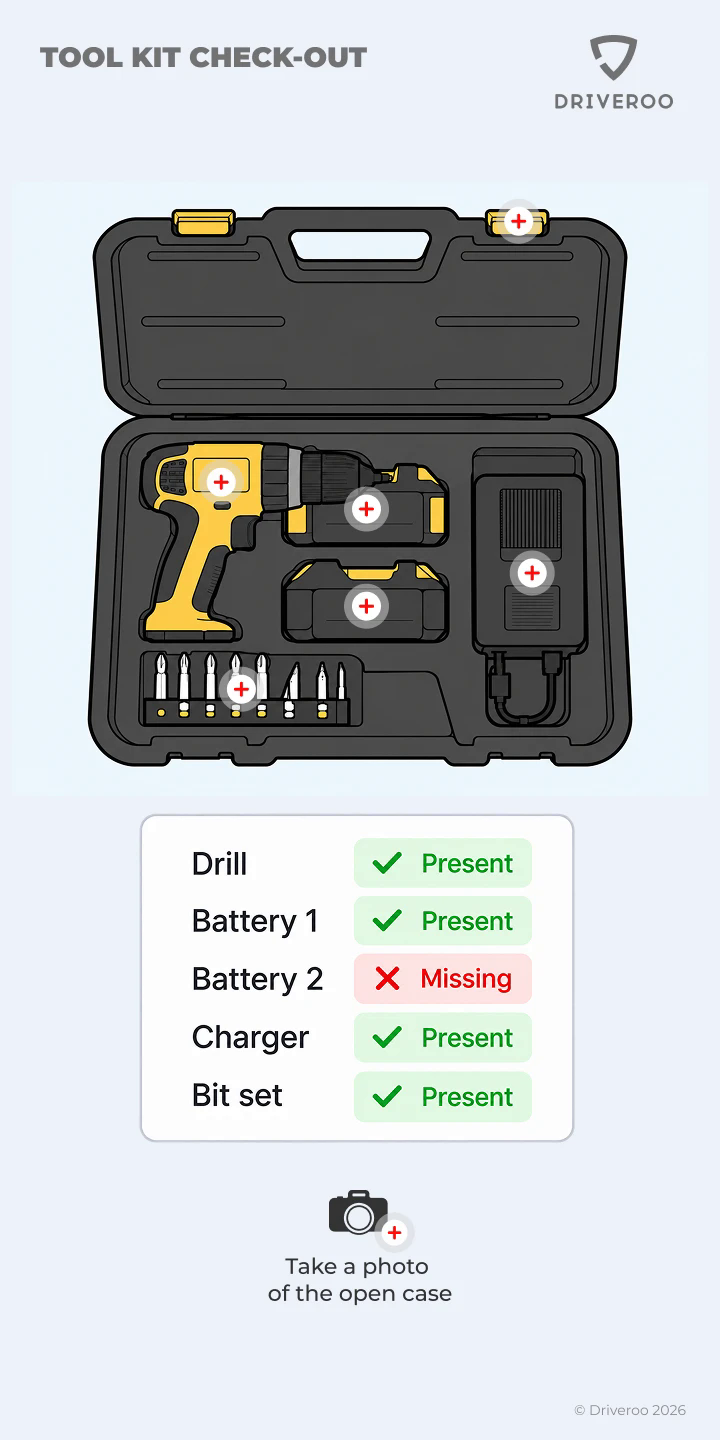
Pick an asset type to see how the check-out looks in the app.
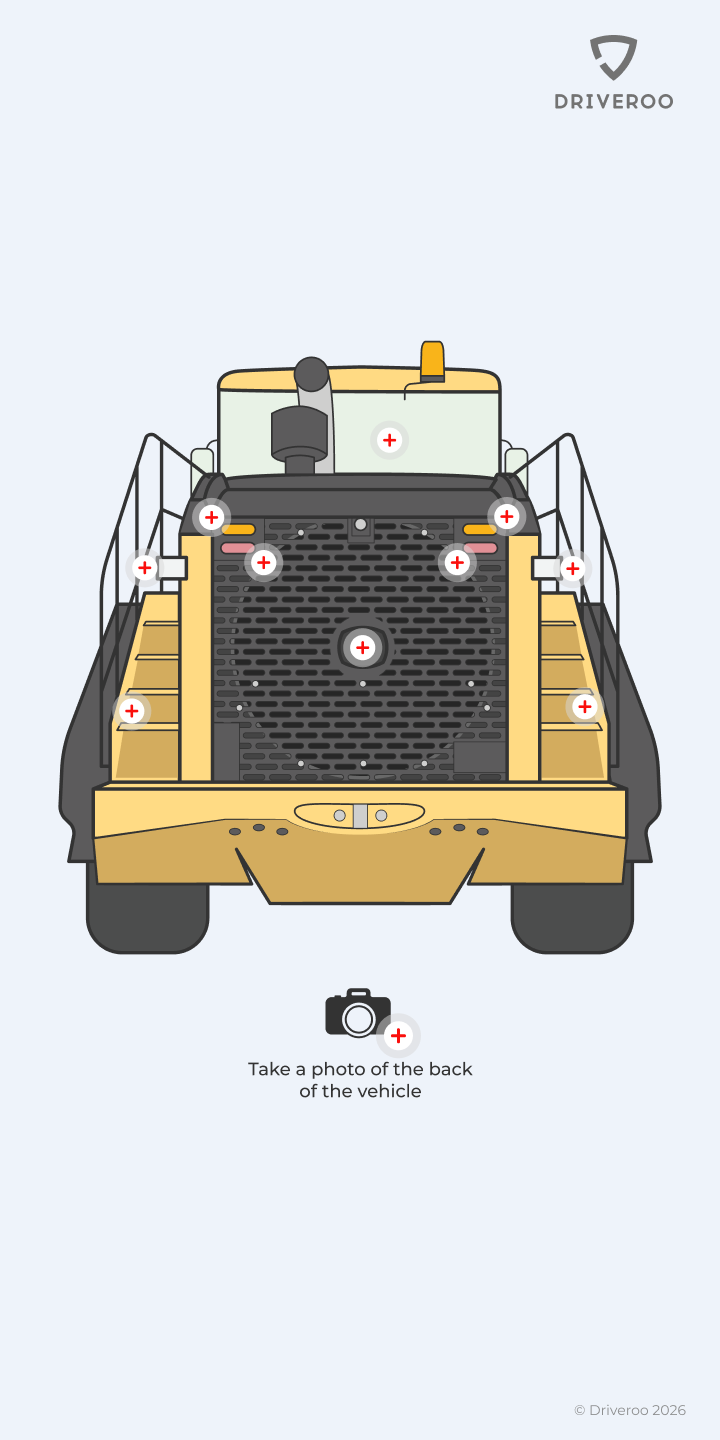
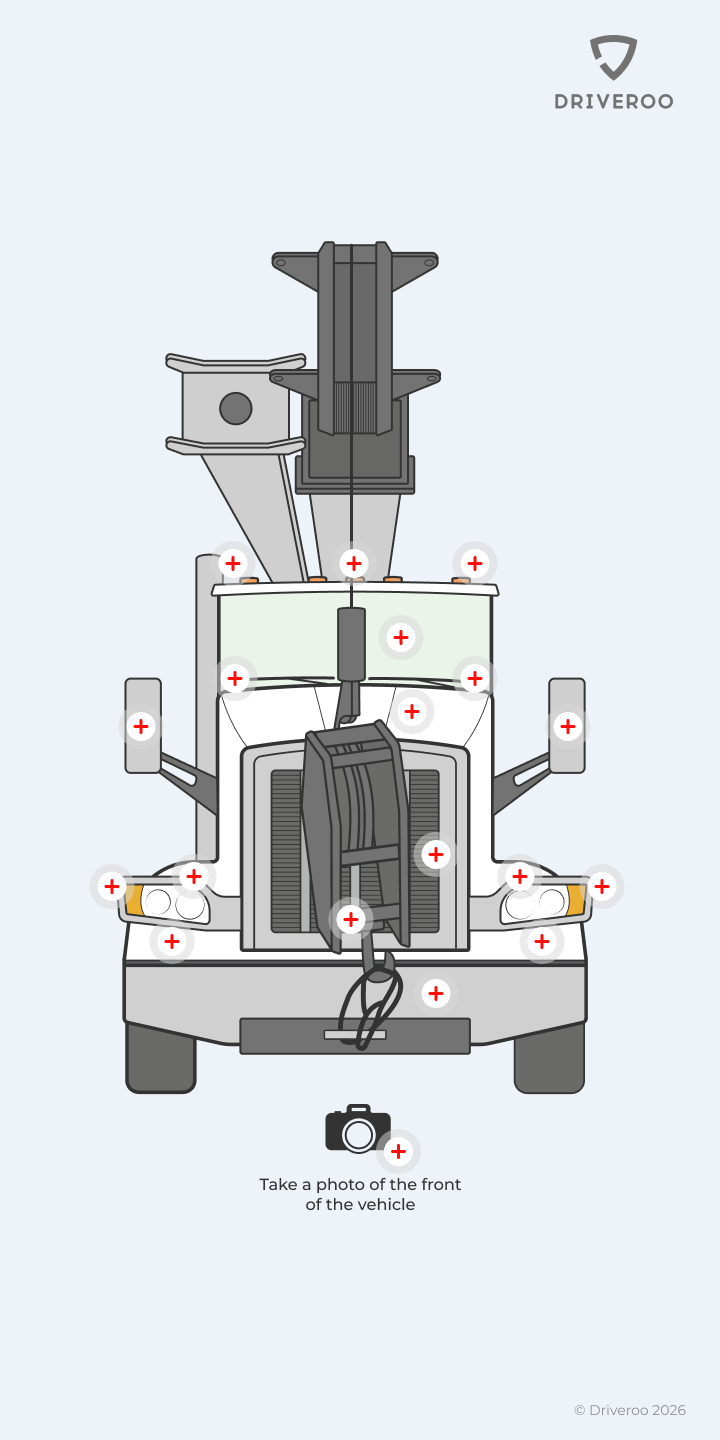
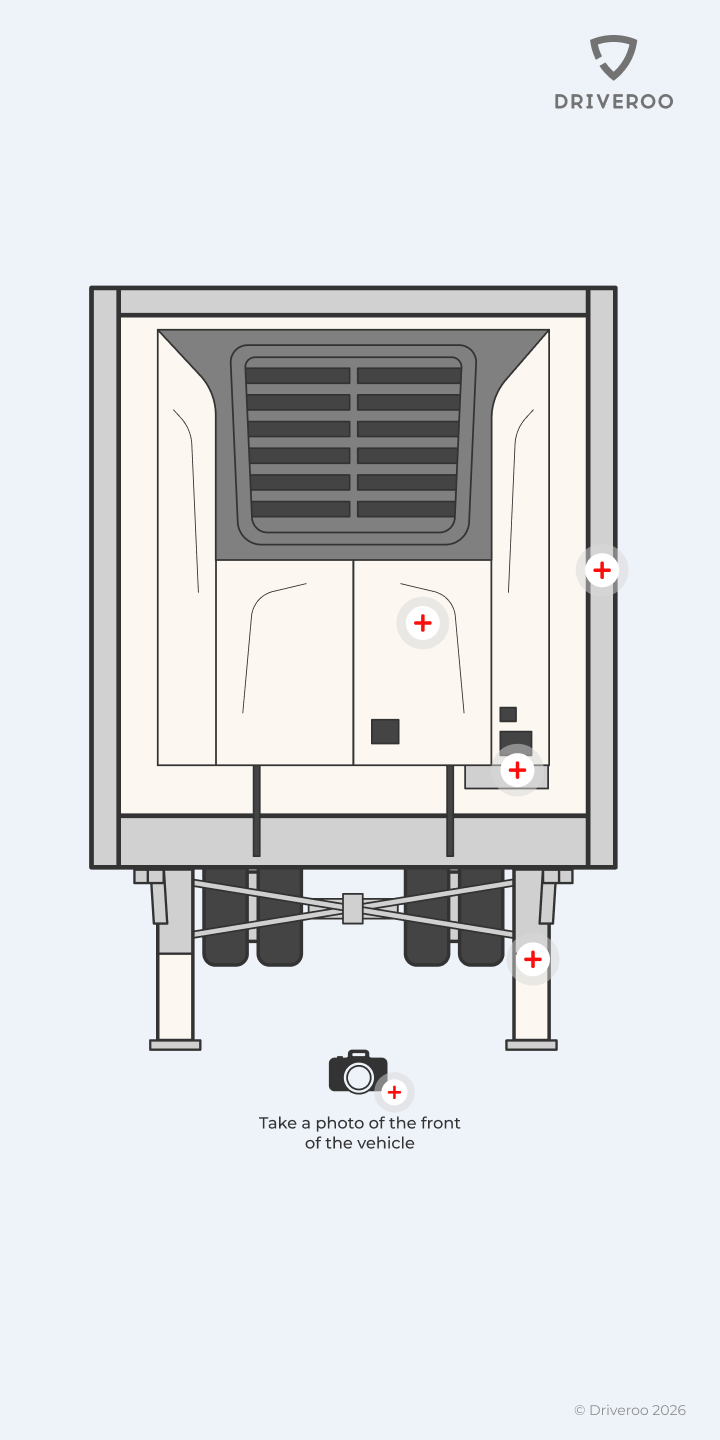
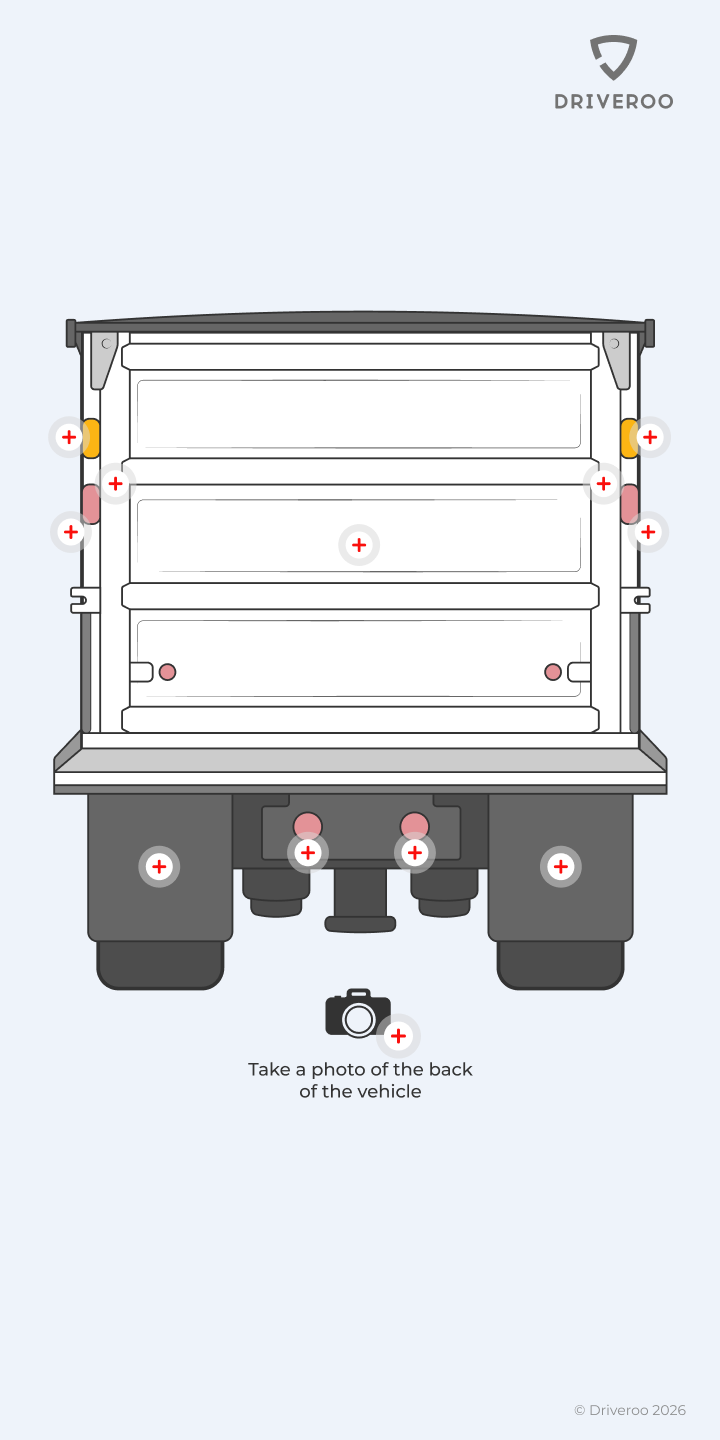
Check-out
Hand Over in Minutes, With Proof
- Scan the QR code or pick the asset, and its own check-out template loads
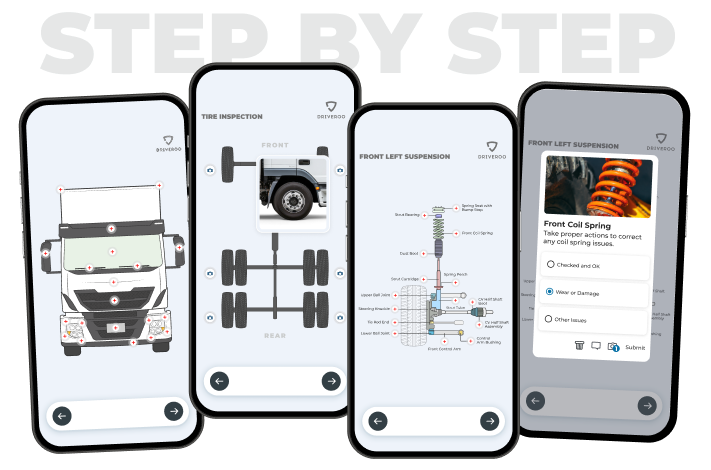
- Walk the marked points on the exact vehicle or machine, with how-to instructions inline
- Fuel, meter readings, accessories and documents captured in the same flow
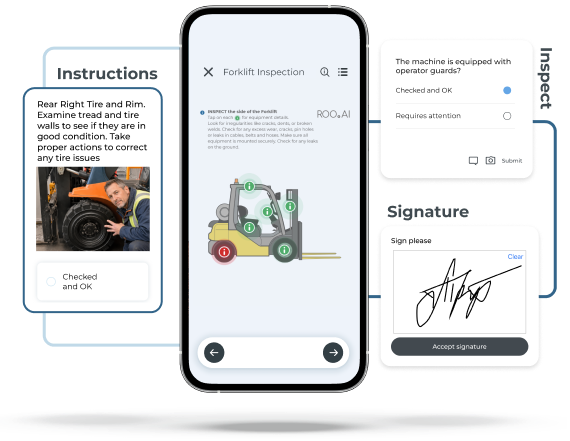
- Operator or customer signs on screen, and the report is emailed instantly
Outcome:
Faster hand-overs, complete records, and a customer who saw the condition before driving off.
Return
Catch Damage at Return, Not After
- The return check mirrors the check-out, with earlier findings already marked
- New damage is flagged with check-out and return photos side by side
- Failed items create issues and work orders for the shop, with the photos attached
- Asset status moves to available or in repair the moment the return closes
Outcome:
Damage tied to the right hand-over, repairs started the same day, and fewer disputes.
Fleet office
See Every Asset and Every Hand-Over
- Dashboards show what is out, who has it and when it is due back
- Alerts for overdue returns, missed checks and open issues
- Full history per asset, with every photo, reading and signature
- Exports and integrations with your rental, ERP and telematics systems
Outcome:
Less time hunting for equipment and paperwork, more utilization per asset.
How Check-Out and Return Work in Driveroo
Scan → Inspect → Report → Fix. The same four steps at hand-over and at return, no paper.
01
Scan
Scan the QR code on the vehicle or machine. The right check-out or return loads, with open issues from the last hand-over.
02
Inspect
Tap through the marked points on the asset. Add photos, fuel and meter readings, notes, and collect the signature.
03
Report
The hand-over report is time-stamped and geo-tagged, and reaches the office and the customer the moment it is signed.
04
Fix
Anything that comes back damaged becomes an issue and a work order. The asset shows as in repair until it is cleared.
Sign-Out Sheets and Asset Trackers vs Driveroo
What changes when equipment check-in and check-out software is built around the condition of the asset instead of a list of names and dates.
| Capability | Paper sign-out sheet | Asset tracking app | Driveroo |
|---|---|---|---|
| Who has which asset, and when it is due back | |||
| Condition recorded at check-out and again at return | |||
| Visual, asset-specific inspection points | |||
| Photo evidence and e-signature on every hand-over | |||
| Prior damage shown at the next hand-over | |||
| Damage at return becomes a work order automatically | |||
| Vehicles and heavy equipment, not only tools and gear | |||
| Works offline with automatic sync |
IncludedPartial or manualNot available
Results From Teams That Hand Over Assets Every Day
Rental companies, distribution centers and trucking fleets run their check-outs and returns on Driveroo.
“Awesome software that provides a crucial element to track damage for our rental car business”
“Driveroo has helped us track vehicle damage in a way no one else in the industry is doing. They have spent hours working to understand how we utilize the software for our business needs and are continually making changes to suit our needs. I would highly recommend Driveroo!”
Retail and distribution
Forklifts, dock doors and compressors
How a national retailer standardized equipment checks across its distribution centers so every shift starts on an inspected machine.
Read the case study →Trucking and logistics
Tractors, trailers and reefer units
How a carrier moved vehicle hand-overs off paper and put defects in front of the shop the same day.
Read the case study →Frequently Asked Questions
Software that records who took a vehicle, machine or tool, when, and in what condition, and the same again when it comes back. Driveroo adds a visual inspection to both sides of the hand-over, with photos, readings and a signature, so the record is evidence rather than a name on a sheet.
Any vehicle or piece of equipment: cars, vans, pickups, trucks, trailers, forklifts, excavators, loaders, aerial lifts, generators, compressors, attachments and tool kits. Each asset type gets its own visual template in the equipment check-in and check-out app, with the inspection points marked on it.
An equipment checkout system tells you who has what and when it is due back. Driveroo does that too, and also records the condition at check-out and at return on the inspection points of the asset itself, shows prior damage at the next hand-over, and turns new damage into a work order for the shop.
Yes. Check-outs and returns complete fully offline on iOS and Android, and everything syncs automatically once the device is back in coverage.
The return check flags the item, with the check-out and return photos side by side. An issue is created instantly, alerts go to the right people by severity, and a work order can be generated with the photos and notes attached. The asset shows as in repair until it is cleared.
Yes. The customer or operator signs on screen, and the time-stamped, geo-tagged report with every photo is emailed the moment the hand-over closes, so both sides hold the same record.
Most teams start from Driveroo templates for their vehicle and equipment types and adjust the inspection points to their own assets. A Driveroo specialist configures the first check-out and return workflows with you during onboarding, and operators need no training beyond the app itself.
Ready to Replace Sign-Out Sheets With Proof?
See the equipment check-in and check-out software on your own vehicles and equipment, then decide.
Get Live Demo© Driveroo 2026 | Privacy | Asset and Fleet Management Software
This site uses cookies. We do this to remember your preferences so that we can improve our service. By using our site, you agree to our use of cookies.